Why seeing year 10 changes what you plant
Almost every home landscape mistake is a time mistake: the cute spruce four feet from the foundation, the privacy hedge spaced for next summer instead of the next decade, the shade tree that eventually shades the vegetable garden into failure. Scrub the slider to year 10 before you dig and these mistakes announce themselves while they are still free to fix.
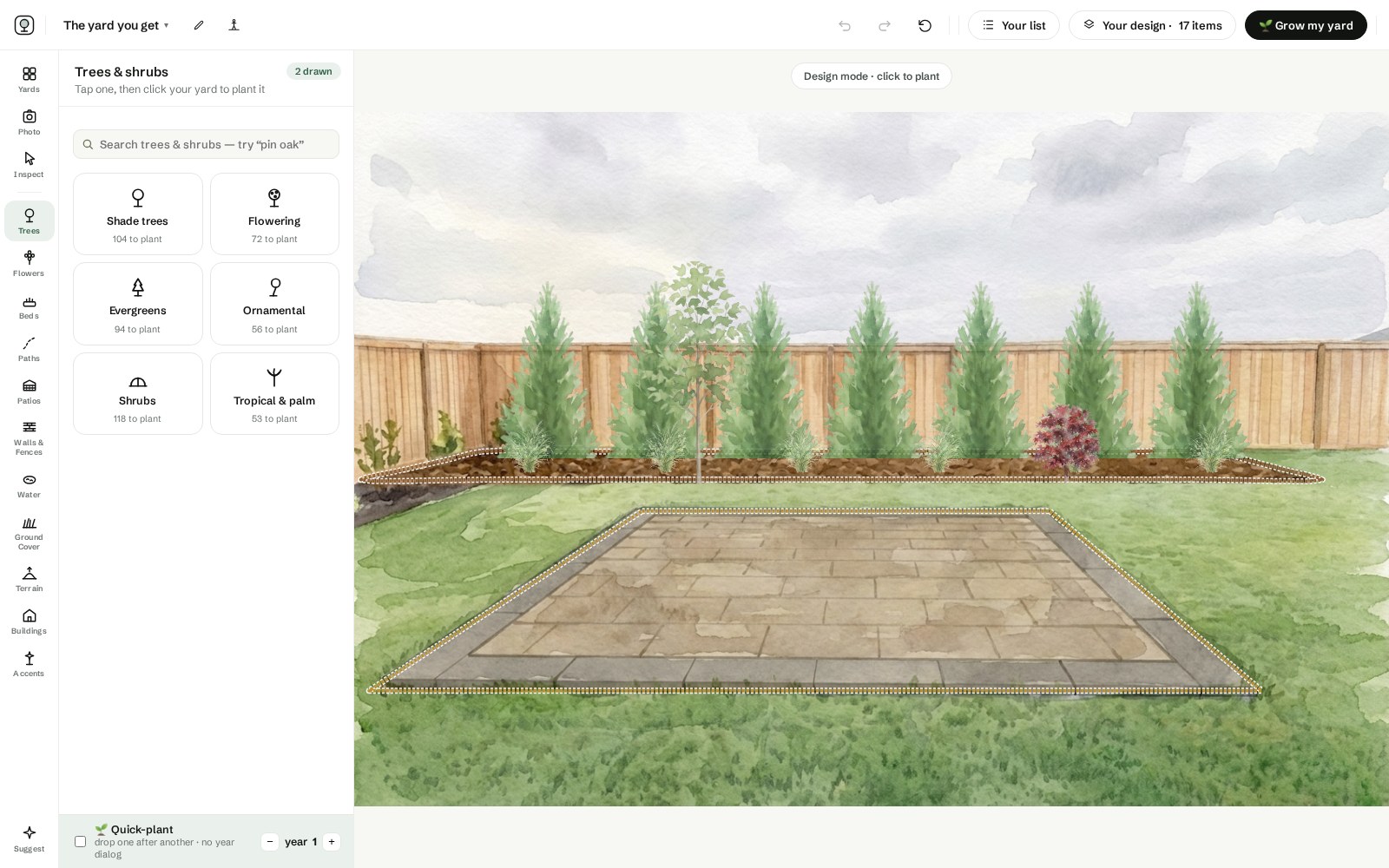
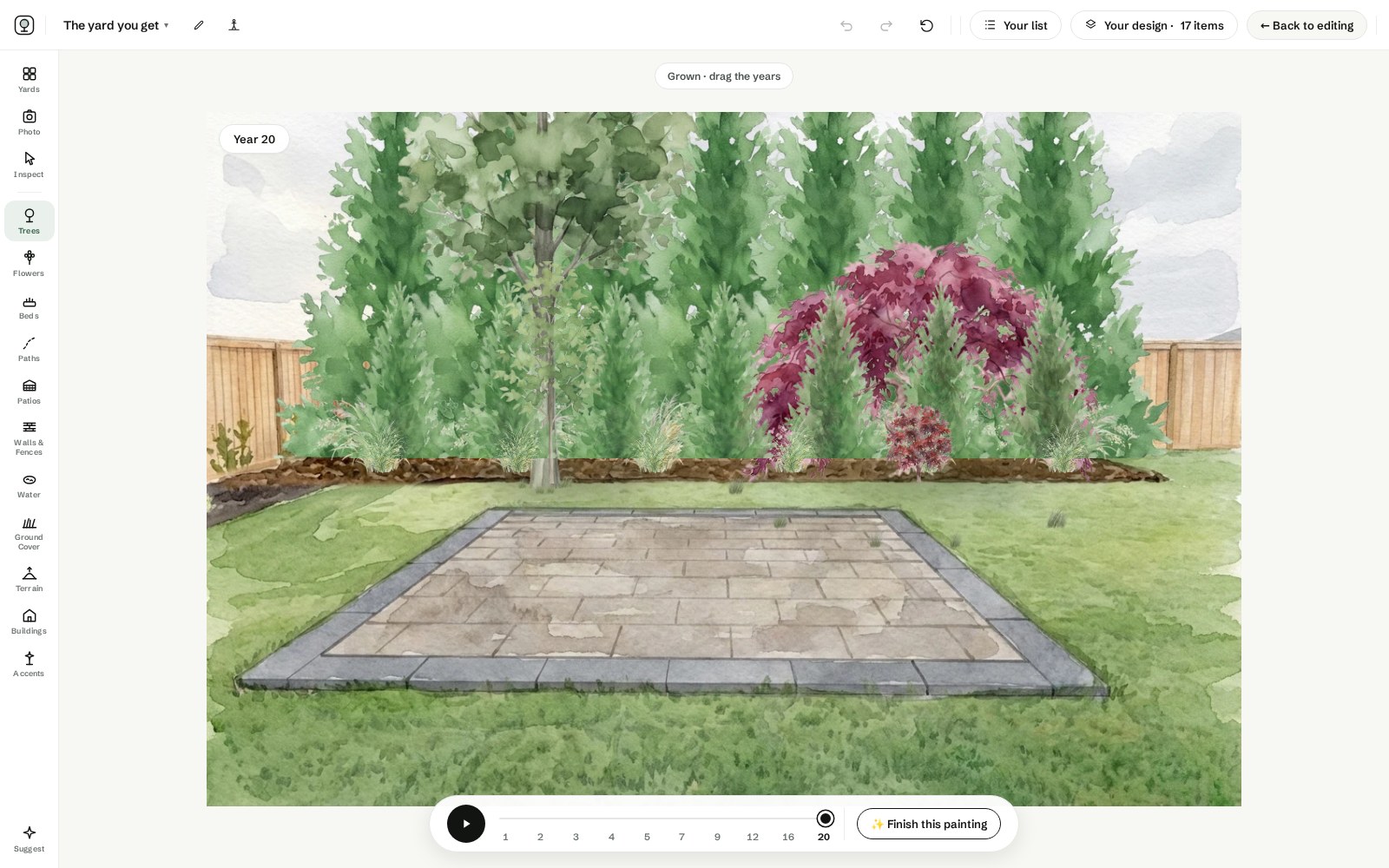
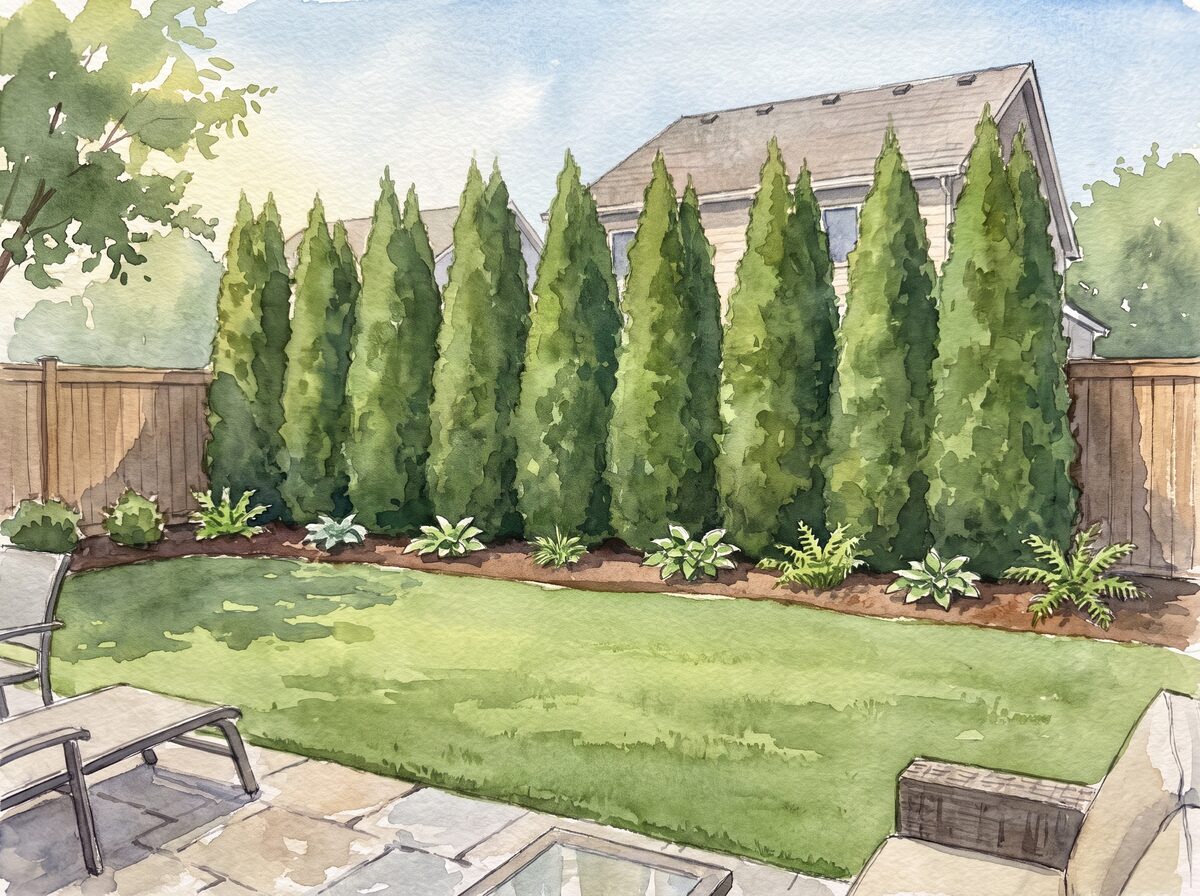
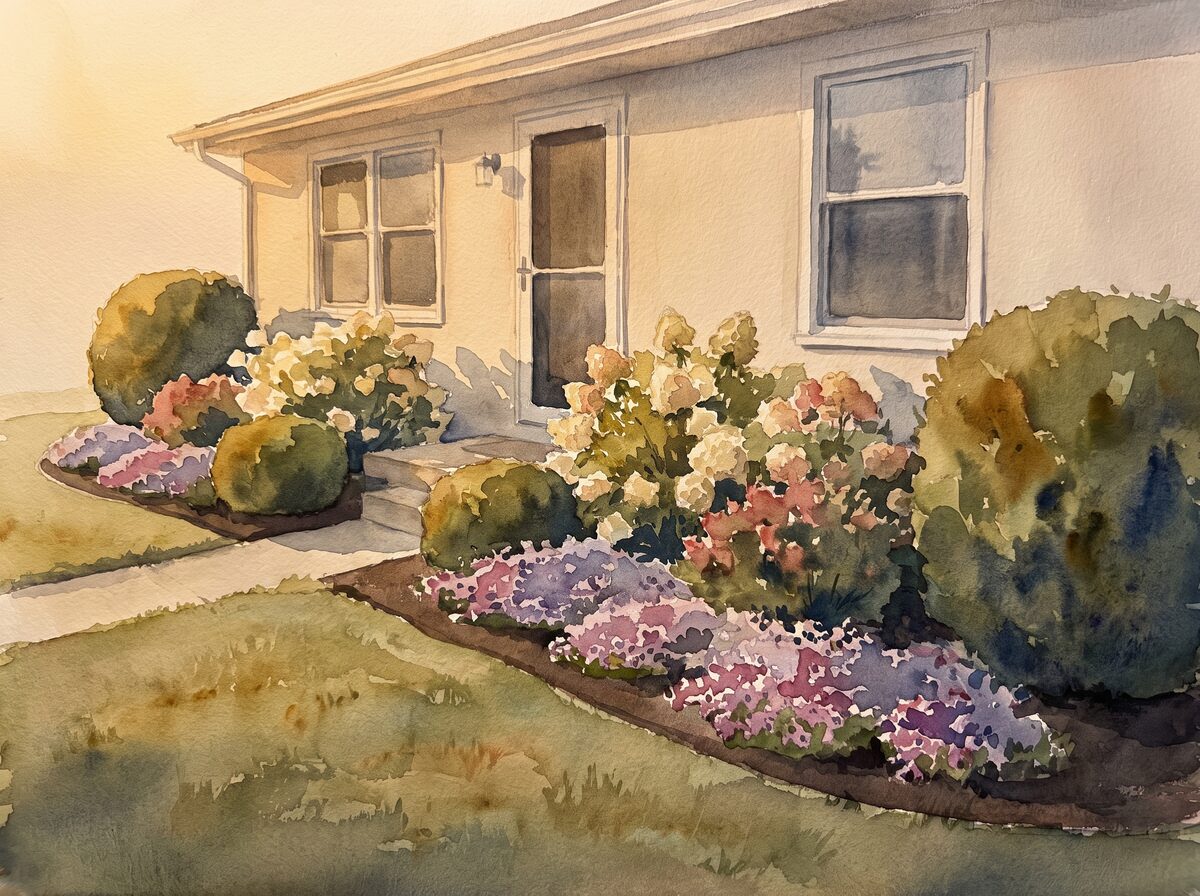
Year ten of the sample plan — the year the decisions you made in year one finally show their size.
Honest growth, not stock photos
Each species in Painted Acre is painted at every age from a real growth curve: a red maple at year 3 is a gawky teenager, at year 12 a shade tree, at year 20 the biggest thing on the lot. The watercolor never swaps in a generic mature photo. It ages your actual choice in your actual spot, which is the whole point.
Design backwards from the future
The best way to use the timelapse is to design at year 15 first: arrange the canopy and structure so the future composition works, then scrub back to year 1 and see what the awkward early years need, usually fast grasses and perennials filling gaps while the bones grow in.
Plants are cheap. Placement is not.
The money here does not work like the rest of the yard. A bare-root whip is $15 and catches a $400 potted tree by about year seven, so buying size mostly buys you a head start you were going to get for free. What you cannot buy back is a decision: the maple planted 12 feet off the wall costs $1,500 to $3,000 to take out in year fifteen, and the tree under the power line gets that decision made for it by a line crew. Every expensive mistake on this page is a placement mistake, and every one of them is free to fix on a screen. Patience is the cheapest thing in the yard — a year-by-year plan with a shopping list, ready to hand a nursery, is exactly what the printable Painted Acre report gives you.
The growth plan · Zone 6a Ohio
Year 1
The decisions that cannot move
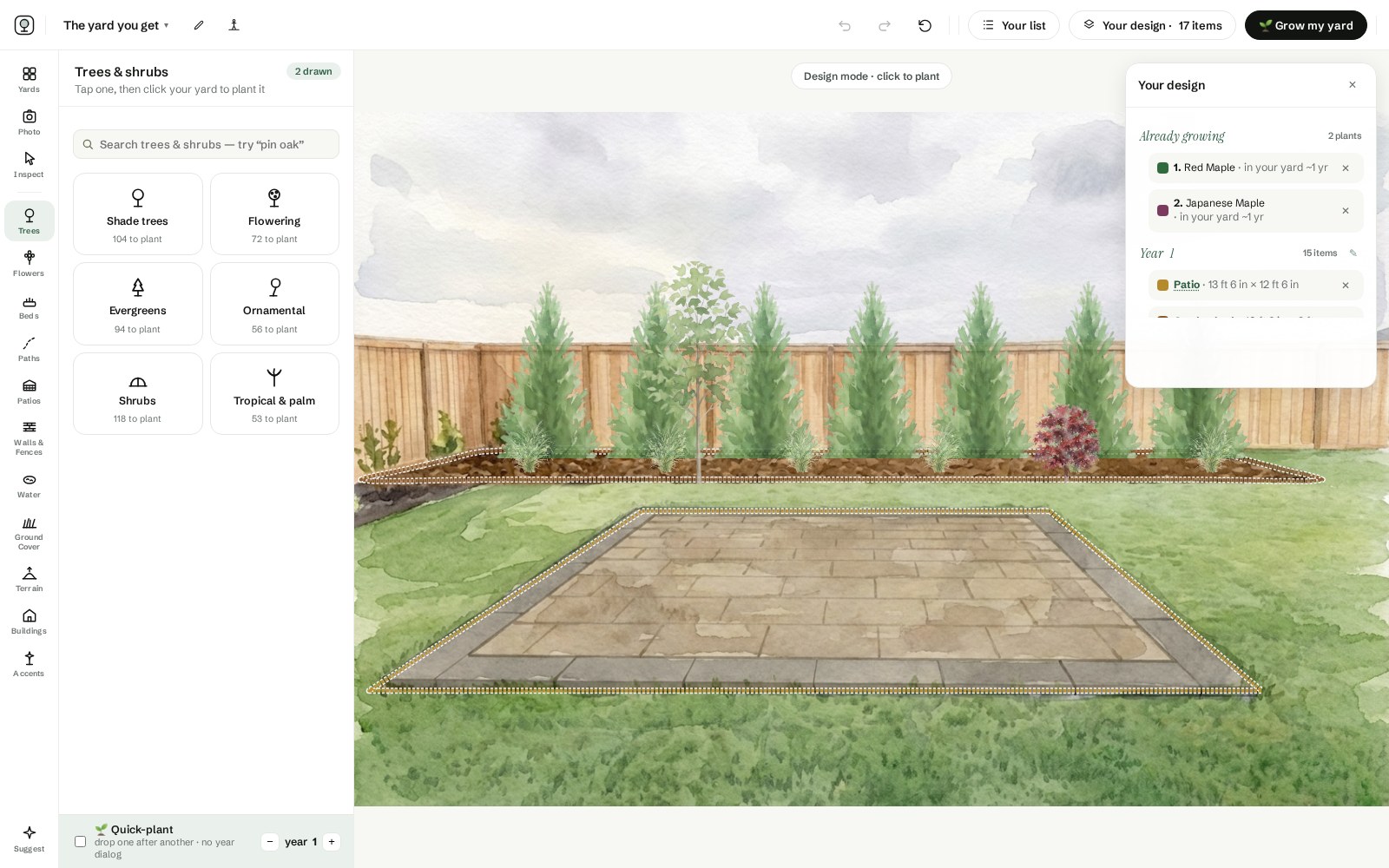
Red Maple × 1bare-root whip · 30 ft off the house
Green Giant Arborvitae × 73 ft stock · 5 ft spacing, back fence
Maiden Grass × 6gallons · in front of the whips
To do this year
Check the mature spread against the wall, the wire, and the septic field BEFORE digging
Stake the maple for one year only — then take the stakes off
Do not buy the $400 tree; the whip passes it by year seven
Year 3
Fill the awkward years
Japanese maple at the patio corner — plant it now, it grows 6 in a year
Divide the grasses; they are already full size
Year 10
The check-in
Limb the maple up over the patio for headroom, not for shade
By year 20: plan for the day the big tree comes down
From the sample plan's printable report — the unmovable decisions in year one, the filler in year three, the check-in in year ten.
Growth, painted honestly
These are species that make the year slider worth watching: fast, slow, and in between, each painted at every age from a real growth curve. Your ZIP filters the palette to your zone.
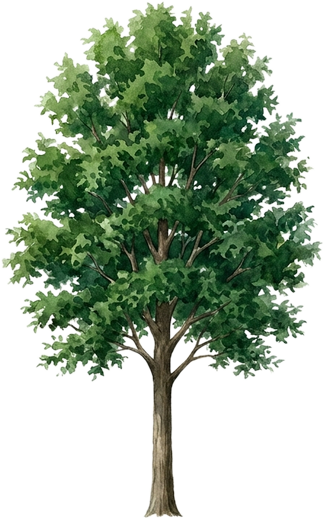
Red Maple
Year 1: a whip. Year 10: real shade. Year 20: the tree the house is known by.
Zones 3–945 ft
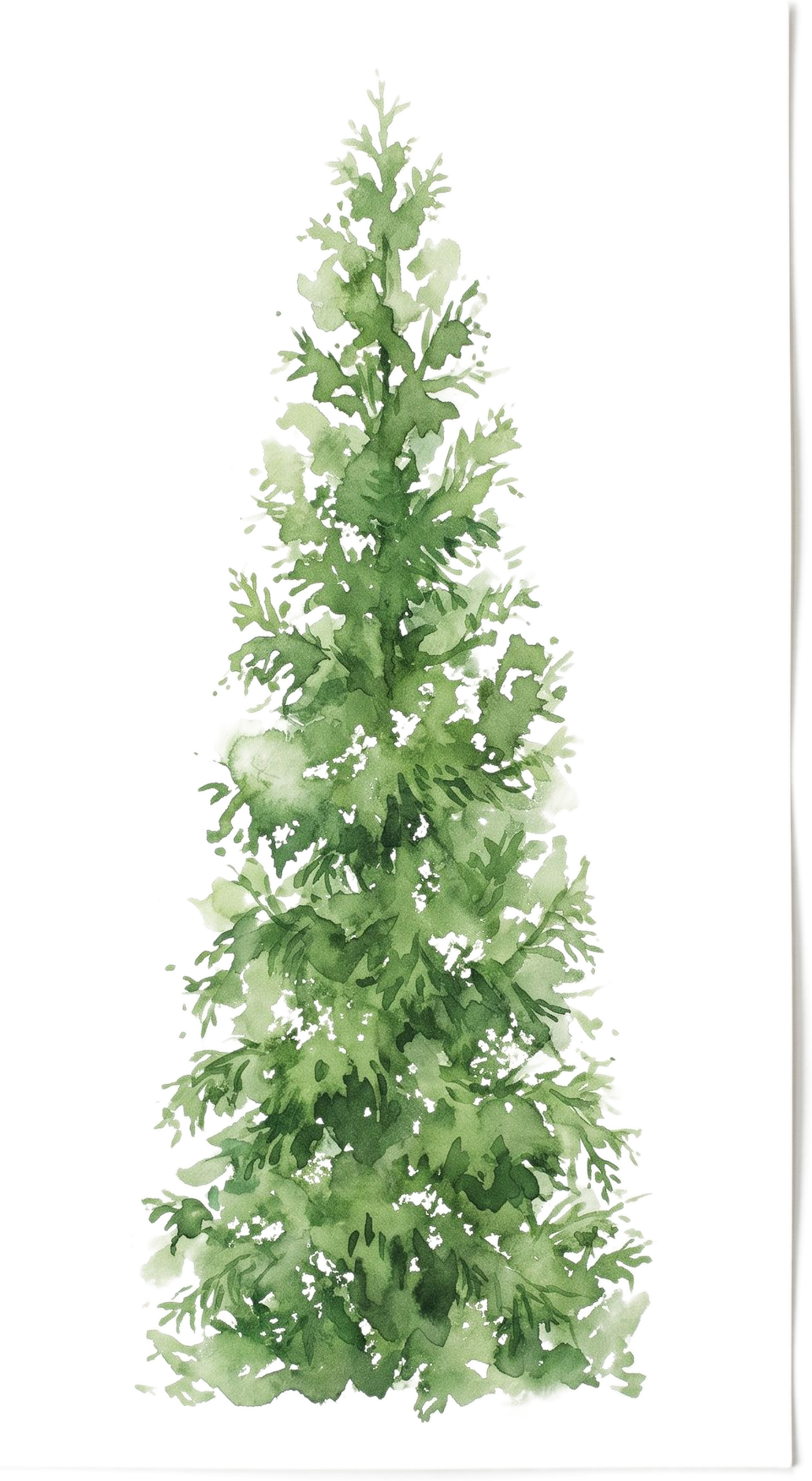
Green Giant Arborvitae
The privacy math made visible: watch the year the hedge closes.
Zones 5–840 ft
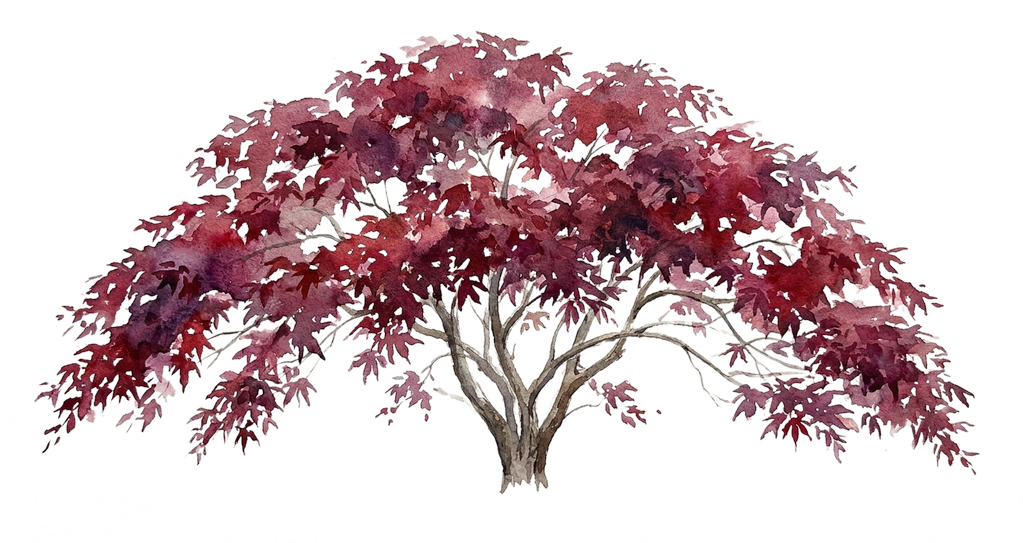
Japanese Maple
Slow and worth it; the slider shows exactly how patient you must be.
Zones 5–818 ft
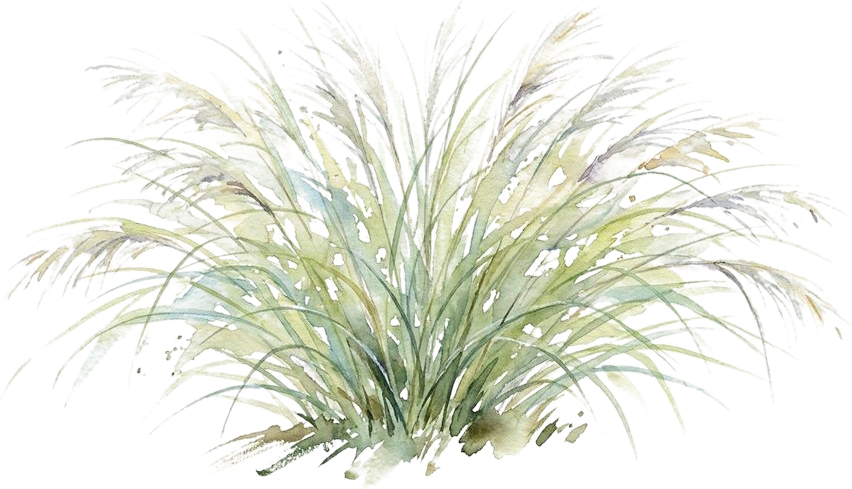
Maiden Grass
Why designers love grasses: full size by year two while everything else catches up.
Zones 5–96 ft
What to expect, honestly: This whole page is the year note. Year 1 is sticks, year 5 is promise, year 10 is the yard you were actually designing, and seeing all three before you buy is the product.
Questions people ask
▸Can I see what my yard will look like in 10 or 20 years?
Yes, that is the whole point of Painted Acre. Upload a photo, place the planting, then drag the year slider and watch the same yard painted at each age. You can try it on a sample yard first, and no account is needed.
▸How honest is the growth?
Each species carries a real growth curve, height and spread by age drawn from nursery and extension data, and every year is painted separately rather than scaling one image up. A slow grower stays stubbornly small for years, because that is what it will do in your yard.
▸Do I need a special photo?
A normal phone photo works. Stand back, hold the camera level and get the whole area you want to design in frame. Painted Acre paints that photo into the watercolor canvas your design is built on.
▸Can I try it without uploading my own yard?
Yes. Open the studio on a painted sample yard and use the tools exactly as they work on a real one, and grow it as many times as you like. You can also send one photo of your own yard and we will paint it into a watercolor at no charge — growing that yard through the years is the paid part: $49 once, and the yard is yours to keep.
▸What do I get at the end?
The growth view from year one to year twenty, a before and after of the same view, and a printable report with a to-scale plan view from above, a year-by-year plan and a shopping list with price estimates. It is an illustrative design plan rather than a construction document.